javascript setInterval() , clearInterval()을 이용한 애니메이션 예제

div에 200 x 200에 배경색 넣고 마우스를 hover 했을경우,
opacity를 서서히 0까지 감소시키도록 2가지 방법으로 짜보았다.


<!DOCTYPE html>
<html>
  <head>
    <style media="screen">
      #box1{
        border: 1px solid red;
        background-color: blue;
        width:200px;
        height: 200px;
        opacity: 1;
      }
      #box2{
        border: 1px solid red;
        background-color: blue;
        width:200px;
        height: 200px;
        opacity: 1;
      }
    </style>
    <meta charset="utf-8">
    <title></title>
  </head>
  <body>
    <script type="text/javascript">
    var op =1;
    var timer;
    var timer2;

    function hover(){
      var box1 = document.getElementById("box1");
      op -=0.05;
      if(op<0)
        clearInterval(timer);
      else
        box1.style.opacity = op;
      console.log(box1.style.opacity);
      }
      function div_hover(){
        // var box1 = document.getElementById("box1");
        // box1.style.opacity = "0.5";
        //
        clearInterval(timer2);
        timer = setInterval("hover()",50);
      }
      function div_hover_out(){
        clearInterval(timer);
        timer2 = setInterval("hoverout()",50);
        // var box1 = document.getElementById("box1");
        // box1.style.opacity = "1"
      }
      function hoverout(){
        var box1 = document.getElementById("box1");
        if(op<=1)
          op+=0.05;
        else
          clearInterval(timer2);
        box1.style.opacity = op;
        console.log(box1.style.opacity);
      }
    </script>

    <script type="text/javascript">

    var opp =1;
    var in_box = false;
    function div_fade(){
      var box2  = document.getElementById("box2");
      console.log(opp);
      if(in_box)
      {
        if(opp>0)
          opp-= 0.03;
      }else{
        if(opp<1)
          opp+= 0.03;
      }
      if(opp>0 && opp<1)
        box2.style.opacity = opp;

    }
    function div_over(){
      in_box =true;
    }
    function div_out(){
      in_box = false;
    }
    setInterval("div_fade()",50);
    </script>
      <div id="box1" onmouseover = "div_hover()" onmouseout="div_hover_out()">

      </div>
      <div id="box2" onmouseover = "div_over()" onmouseout="div_out()">

      </div>
  </body>
</html>

댓글

이 블로그의 인기 게시물

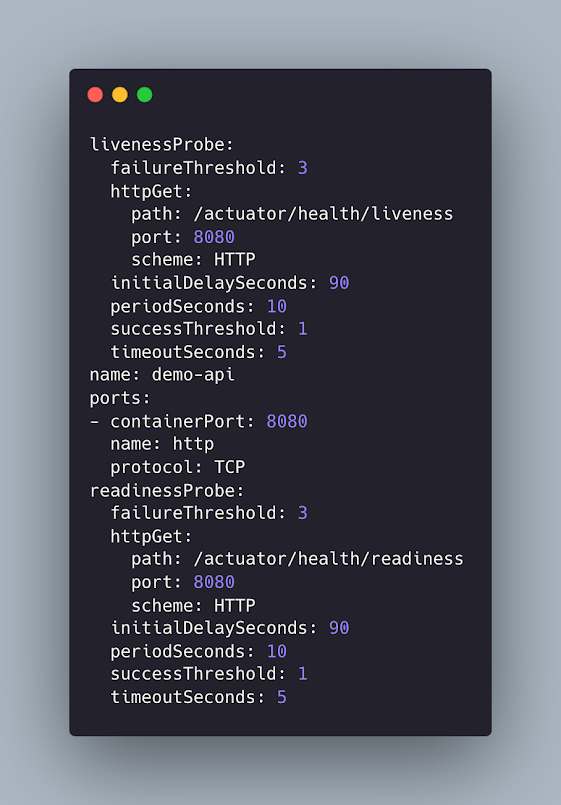
Spring Boot Actuator readiness, liveness probes on k8s
About Kafka Basic

sneak peek jitpack

About idempotent

About G1 GC

About ZGC

About JVM Warm up

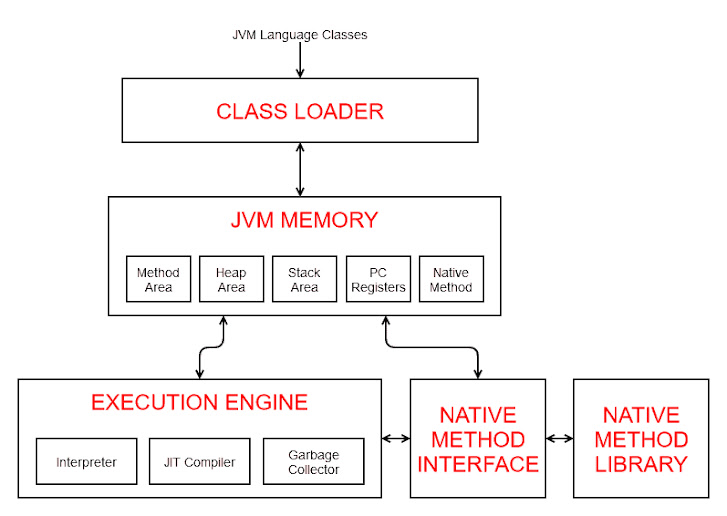
I need to know a little JVM

HackerRank Java Between Two Sets

Java - HashMap (feat. LinkedList, Tree.. maybe Later)